
Appearance
Discovery Agencies
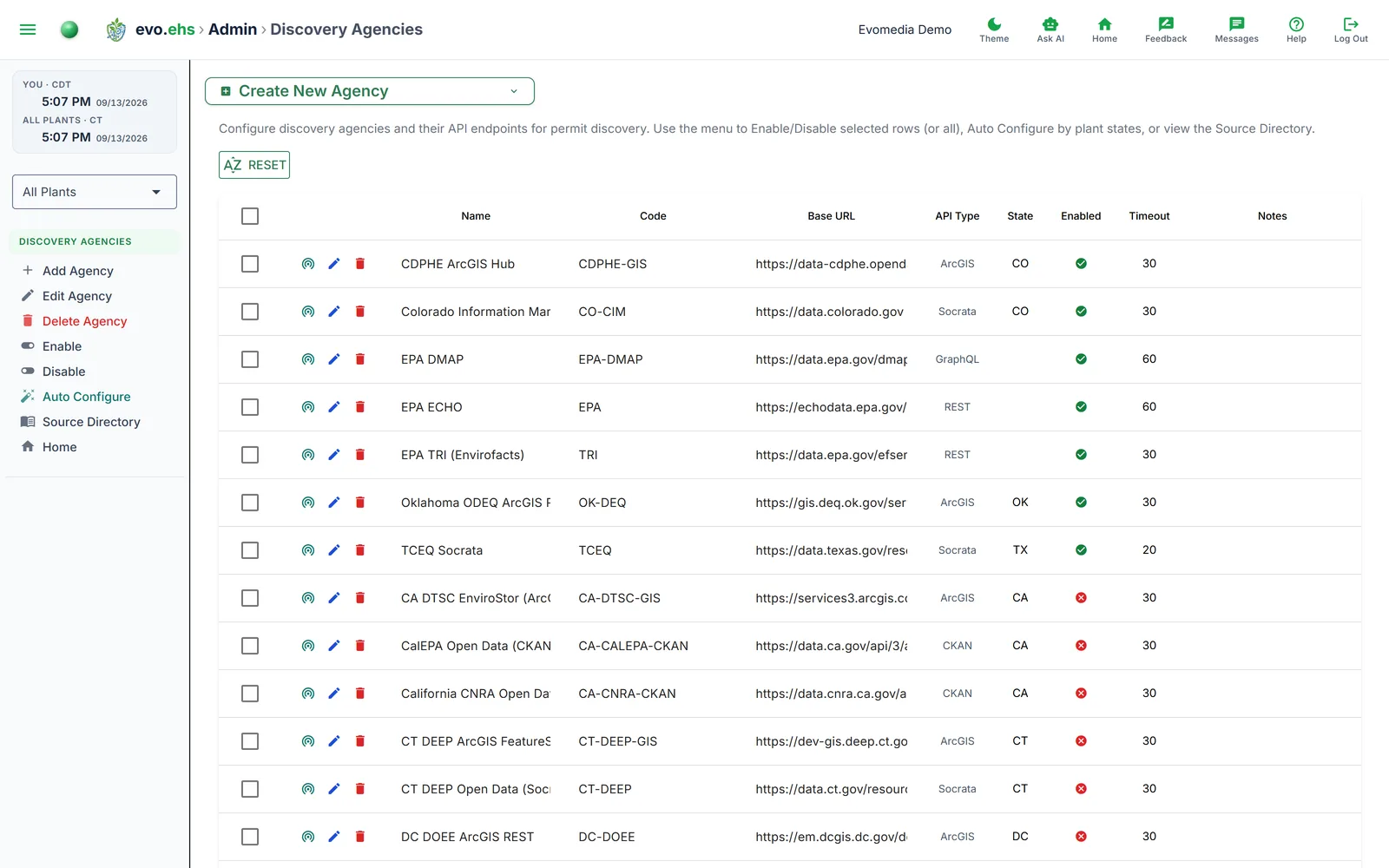 Configure which environmental data sources Permit Discovery queries — EPA, TCEQ, state agencies, and custom endpoints.
The Agency Table
Each row represents a data source with inline-editable columns for Name, Code, Base URL, Enabled status, and Notes. Non-editable columns show API Type, State requirement, and Timeout.
Per-Row Actions
- Test connection — probes the agency's endpoint and reports whether it's reachable (adapts to ArcGIS, Socrata, CKAN, GraphQL, and REST).
- Edit — opens the full edit dialog.
- Delete — removes the agency after confirmation.
Creating an Agency
Expand the Create New Agency panel. Required fields are Name, Code, and Base URL. Optional fields include API Type (REST, GraphQL, Socrata, ArcGIS, CKAN, or Custom), Requires State, API Key, Timeout, and Notes.
Auto Configure
Click Auto Configure in the sidebar to automatically enable agencies that match your plants' states and disable the rest. Enabled agencies are sorted to the top.
Reset
Click Reset above the table to disable all agencies and re-sort them alphabetically by name.
Enable / Disable
Select one or more agencies and click Enable or Disable in the sidebar, or toggle each agency's Enabled checkbox inline.
Source Directory
Click Source Directory in the sidebar to view the built-in state agency reference data (a YAML listing of known state environmental agencies). You can download this file for reference.