
Appearance
Backups
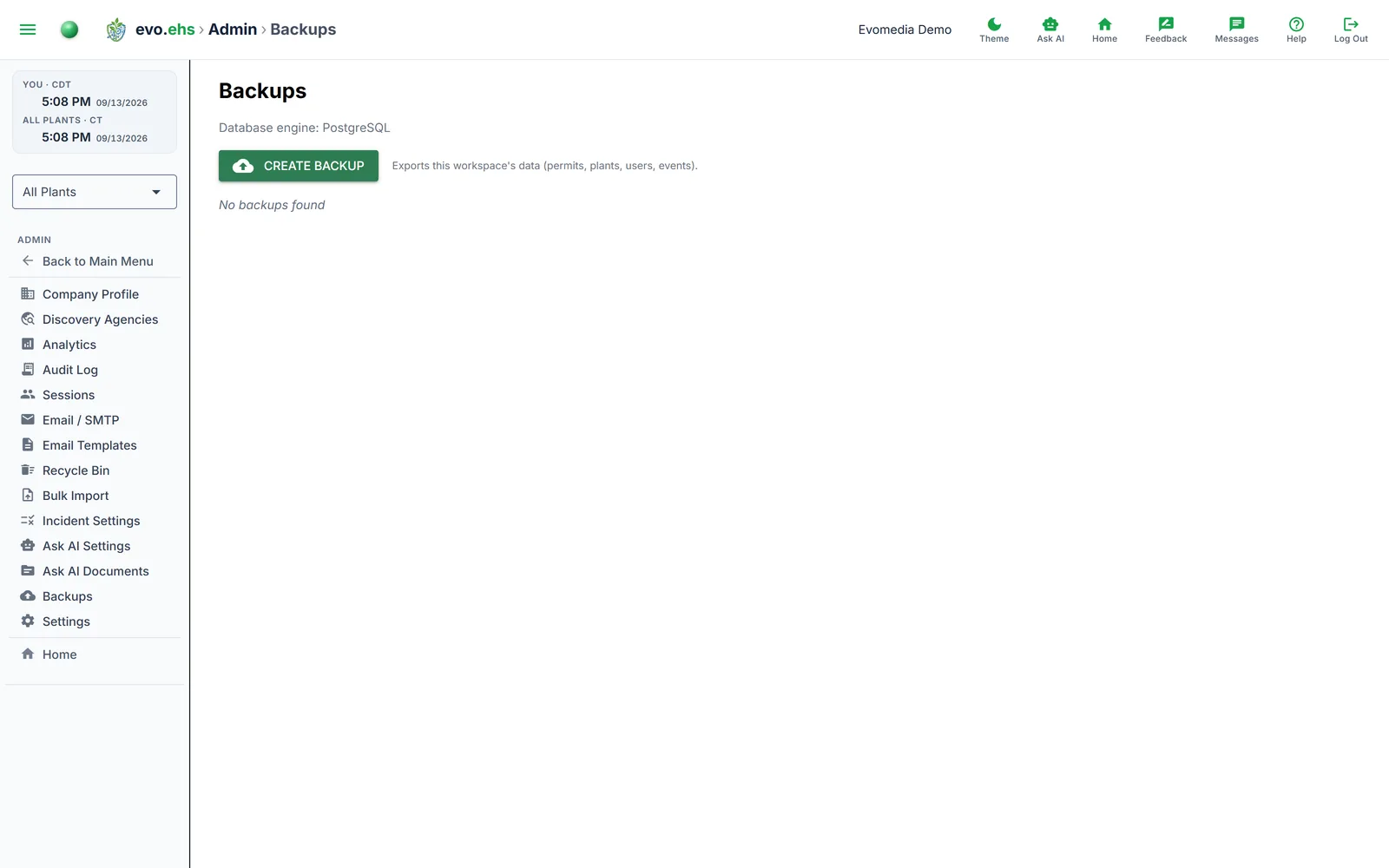 Create, download, and manage database backups.
Creating a Backup
Click Create Backup to generate both a JSON export (tenant-scoped data) and a database snapshot. Both are logged in the Audit Log.
Backup Table
Each backup shows its filename, type, size (KB), and creation date.
- Download — opens the backup file in a new tab.
- Delete — removes the backup file.
Security
Backup downloads require admin authentication. Only .json, .sqlite, and .sql files are served; path traversal is blocked.