
Appearance
Email Templates
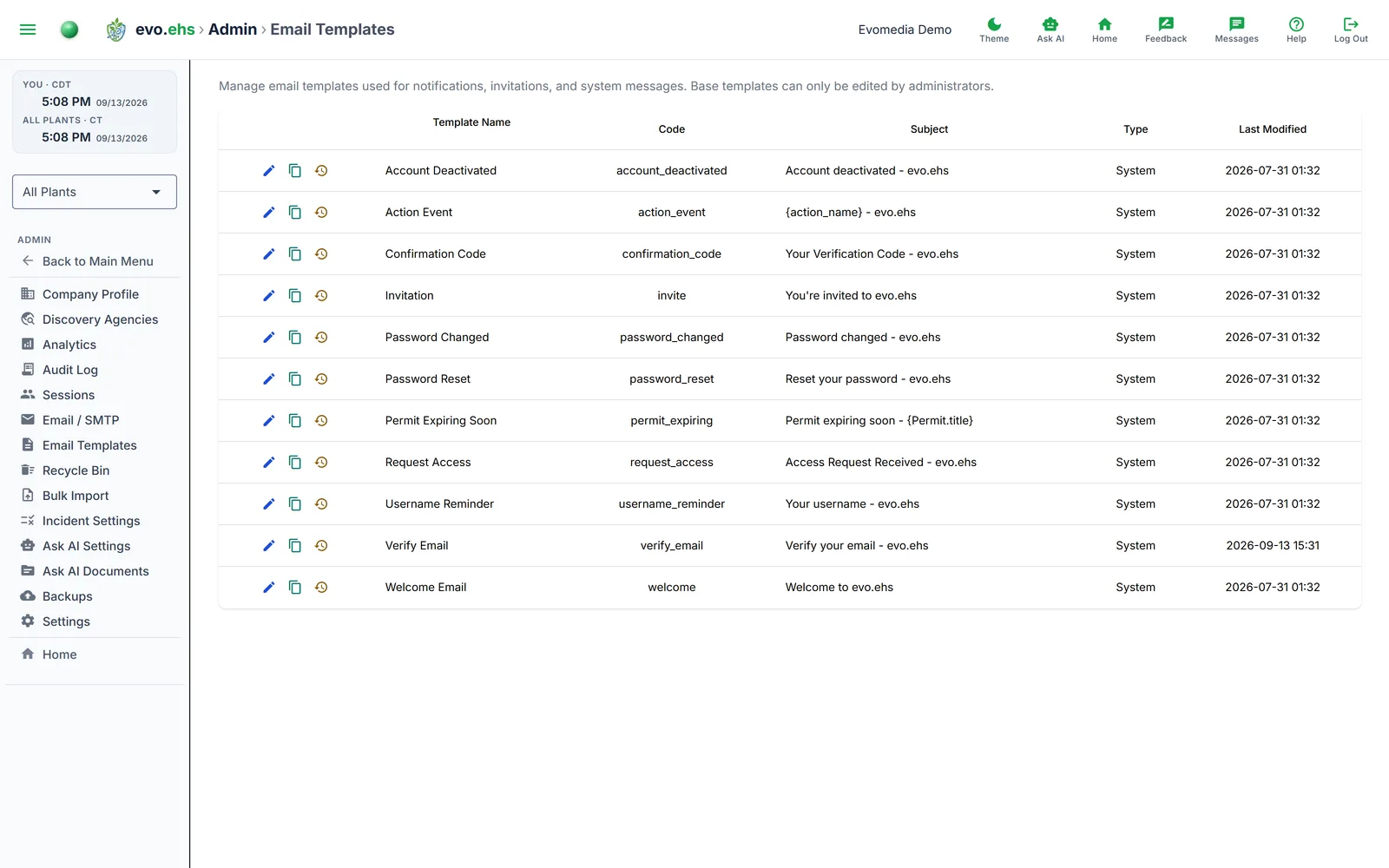 Manage the email templates used for notifications, invitations, and system messages.
Template List
Each template shows its name, code, subject line, type (System or Custom), and last modified date.
Per-Row Actions
- Edit — opens the template editor.
- Save As Copy — clones the template as a new custom template.
- Delete — removes a custom template (system templates cannot be deleted).
- Reset to Default — restores a system template to its original content.
Editing a Template
The editor shows the Subject line and a rich-text Body, both of which accept merge tags.
Click Save to update in place, or Save As New to create a custom copy.
Merge Tags
A merge tag is a placeholder. When the email is sent, each tag is replaced with that field's current value — so a body containing
Hello
{User.first_name}, permit{Permit.title}is now{Permit.status}.
arrives as "Hello Dana, permit Title V Air Operating is now Active."
Two things to keep in mind:
- An unresolved tag is left as-is. If a tag doesn't apply to the record the email is about — an incident tag in a permit notification, say — the raw
{Tag}text appears in the delivered email instead of a value. Use only tags belonging to the record at hand. - Lifecycle tags insert a word, not a date.
{Permit._created}inserts the literal textCreated, and likewiseModifiedandDeleted. They are far more useful as Action Manager triggers than as placeholders.
Tags for this message
Five tags describe the message itself rather than a record, and are available only here:
| Tag | What it inserts |
|---|---|
{temp_password} | The one-time password for a newly created account, so a new user can sign in for the first time. |
{code} | The email-verification confirmation code. |
{link} | The action link the recipient needs to click — the email-verification, password-reset or invitation URL. The Verify Email template will not send without it: a copy that drops {link} is replaced by the built-in message, and the substitution is logged. |
{action_name} | The name of the Action Manager action that sent the email. Handy in a subject line: "Alert: {action_name}". |
{company_name} | Your organization's name from the company profile, so one template works without hard-coding it. |
Every other tag
Beyond those five, every entity field is available — permits, permit and incident sub-tasks, work tasks and their sub-tasks, incidents, plants, users, and calendar events.
→ Merge Tags & Triggers reference — the complete list, with a description of every tag.