
Appearance
Sessions
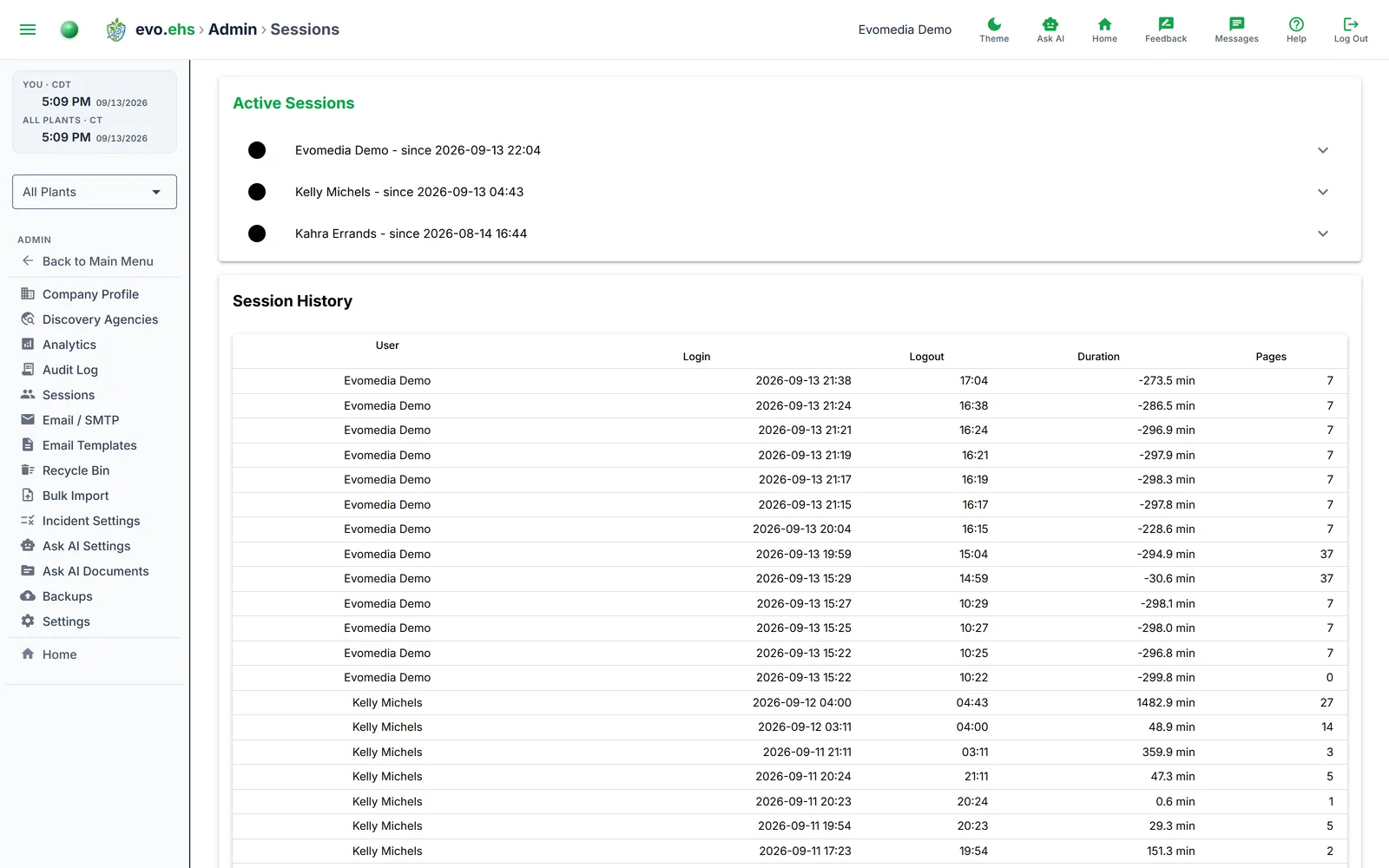 View who is currently logged in and review past session activity.
Active Sessions
Each active session shows the user's name and login time. Expand a session to see its page view history with timestamps. A You badge marks your own session.
Click Disconnect to end another user's session. Their next click lands on the sign-in page, on every device that session was open on. A user who changes their password also signs out everywhere else automatically.
Session History
A table of the 100 most recent completed sessions showing user, login time, logout time, duration (in minutes), and page view count.
Use the Refresh button below the session panels to update both sections.