
Appearance
Recycle Bin
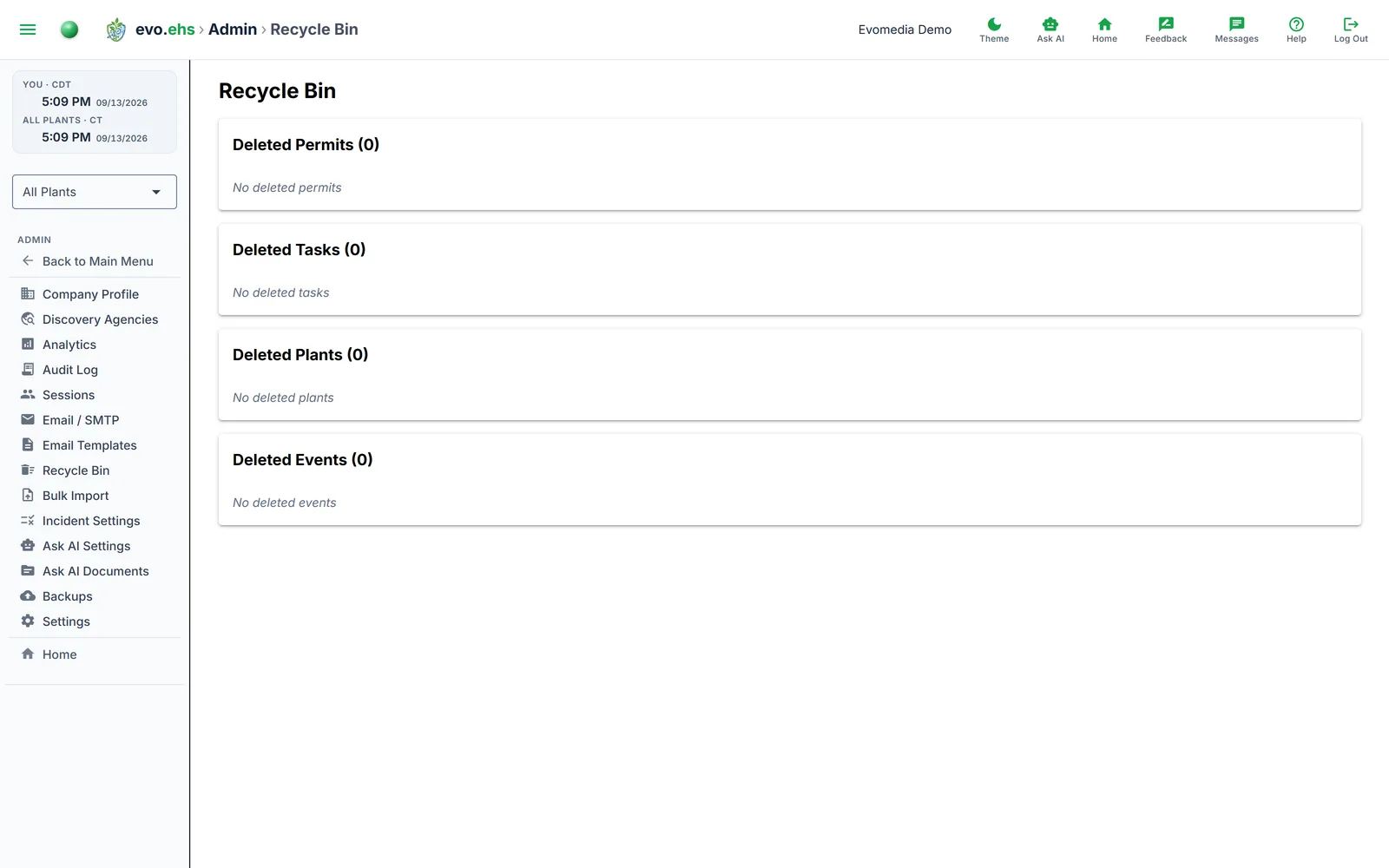 Recover or permanently delete soft-deleted records. The Recycle Bin is organized into four sections — Permits, Tasks, Plants, and Events.
Restoring Records
Click Restore on any row to bring it back to its original location.
Deleted a plant by mistake?
Re-importing the same facility (EPA discovery, the Company Profile EPA search, or a CSV plant import) automatically restores the deleted plant — with all of its permits, incidents, and tasks intact — instead of creating an empty duplicate.
Purging Records
Click Purge on a single row to permanently delete it, or use Delete All at the top of each section to purge everything of that type. Permanent deletion requires a two-step confirmation and cannot be undone.
Purging plants
Permanently deleting a plant also removes its related permits, EPA snapshots, and weather data.
What's Shown
Each section's table displays the record name or title, status (where applicable), deletion date, and who deleted it.